Your Gaming PC in the Cloud
Experience the best in cloud gaming with our high-performance machines. Play AAA games on any device, without the need for a high-end gaming PC.
- No queues
- No session limits
- Your own Windows PC
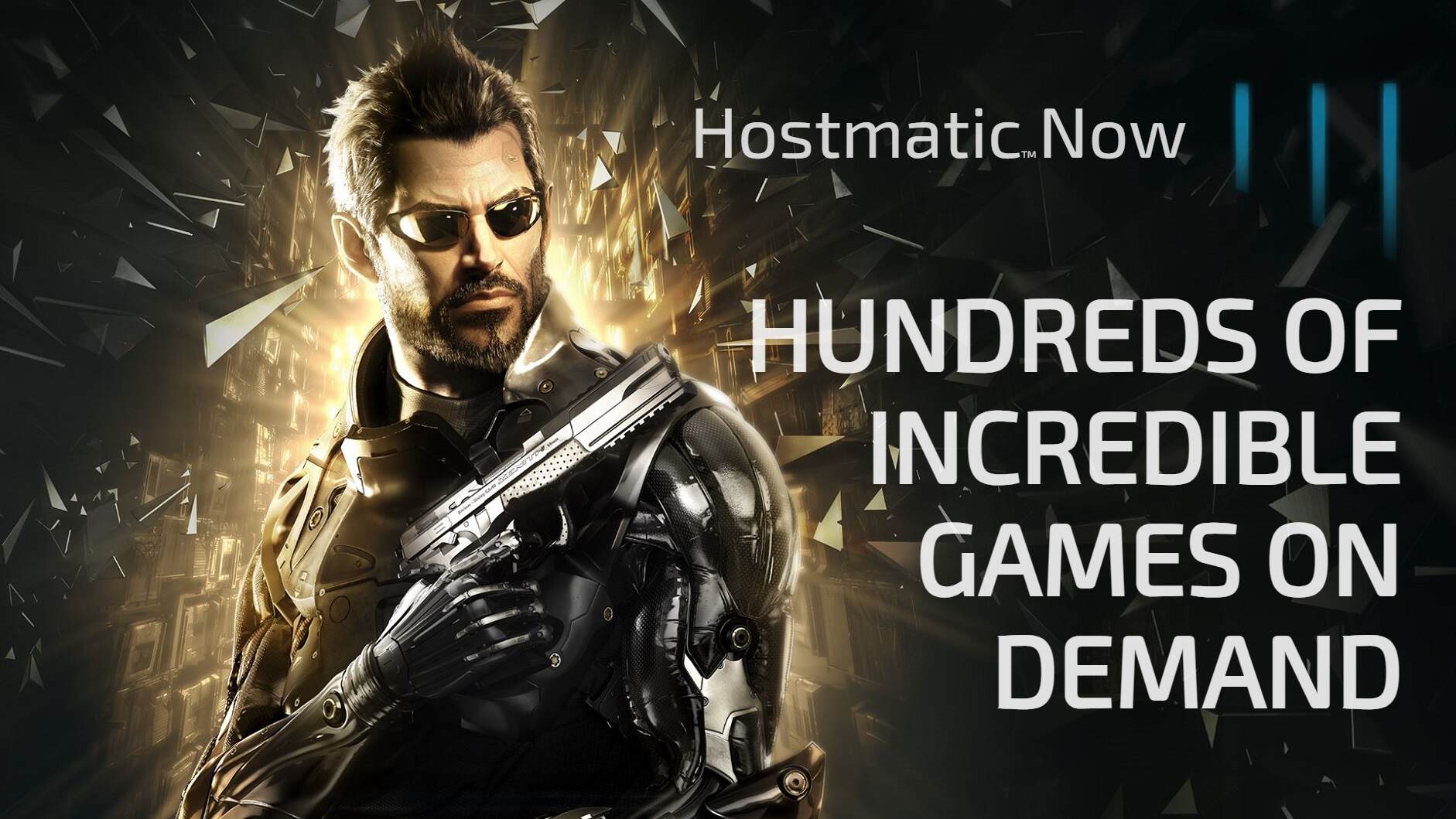
Cloud Ultra now available!
Watch the video demo here
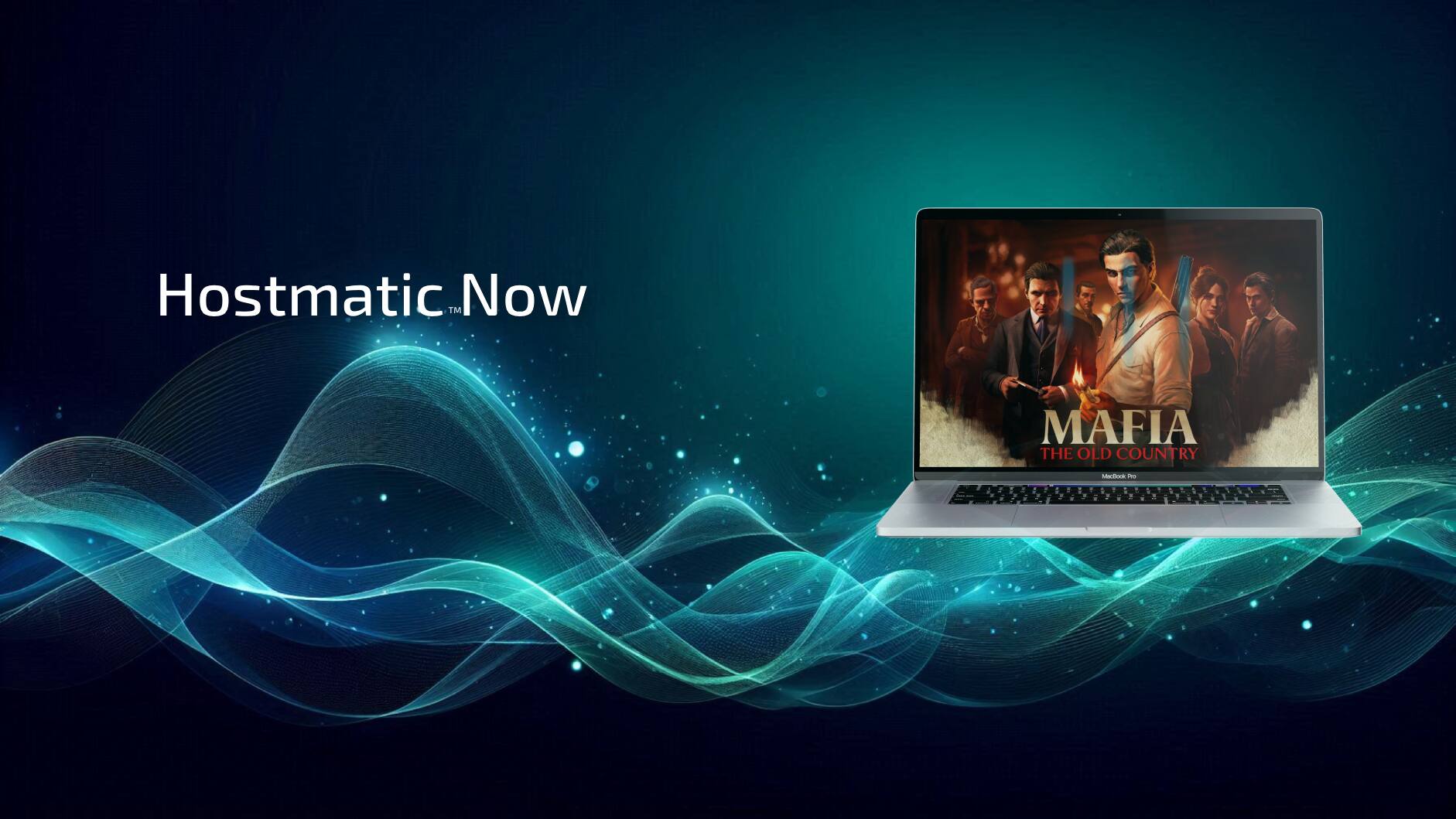
Out now - Mafia: The Old Country
Use promo code 'MAFIA' for 30% discount
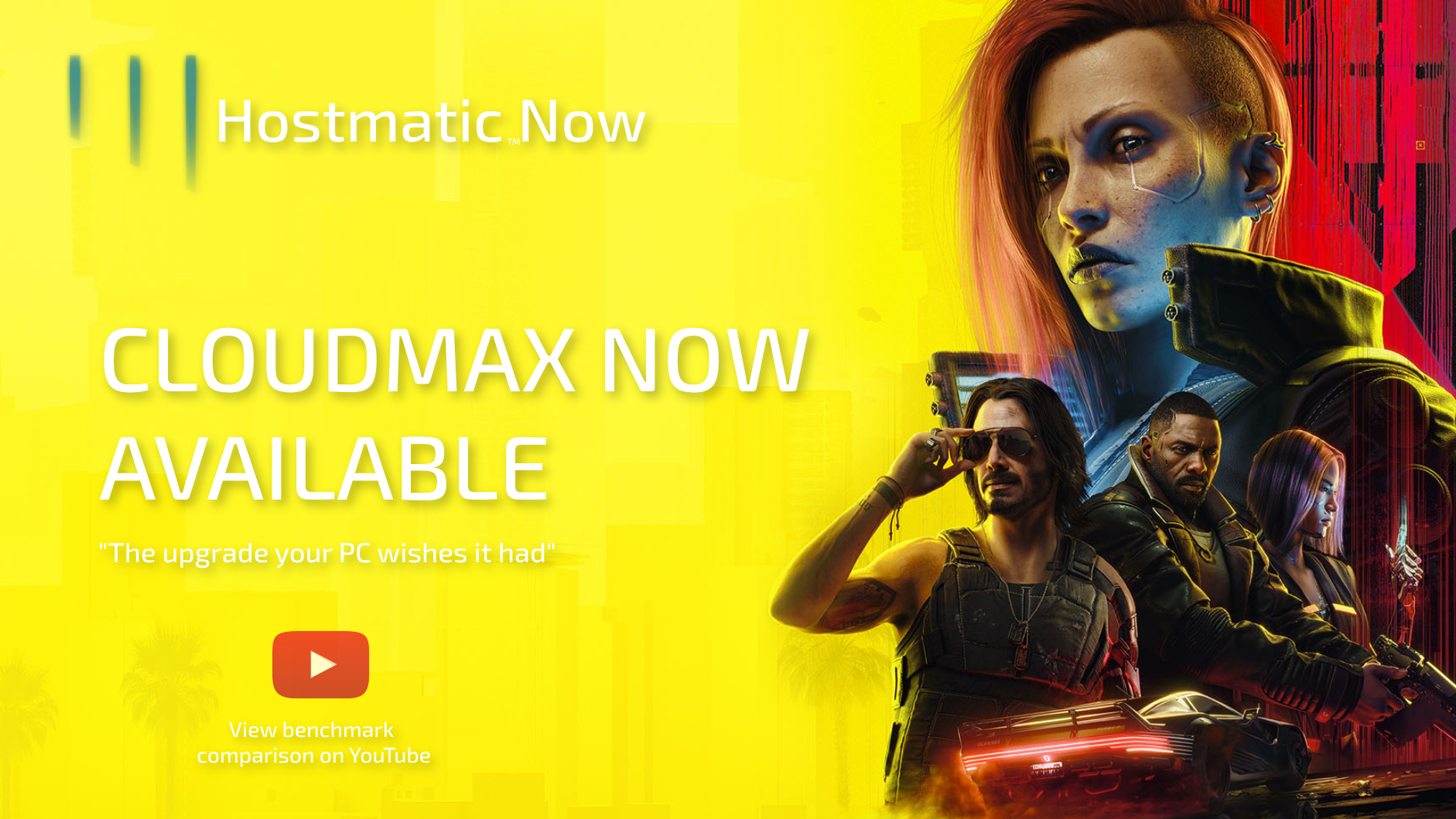
CloudMax series
Now available!
Everything a gaming PC does. Anywhere.
Our cloud gaming PC offers the following features
Large number of games
Play all the games from your existing library.
Your Windows PC
Your private personal PC with full administrative access.
Anywhere, any device
On the couch or in the train, compatible with Android, iOS, Mac, Raspberry Pi, TV's, Linux and Windows clients.
Mod and tweak
Install game mods, tweak streaming resolution and quality.
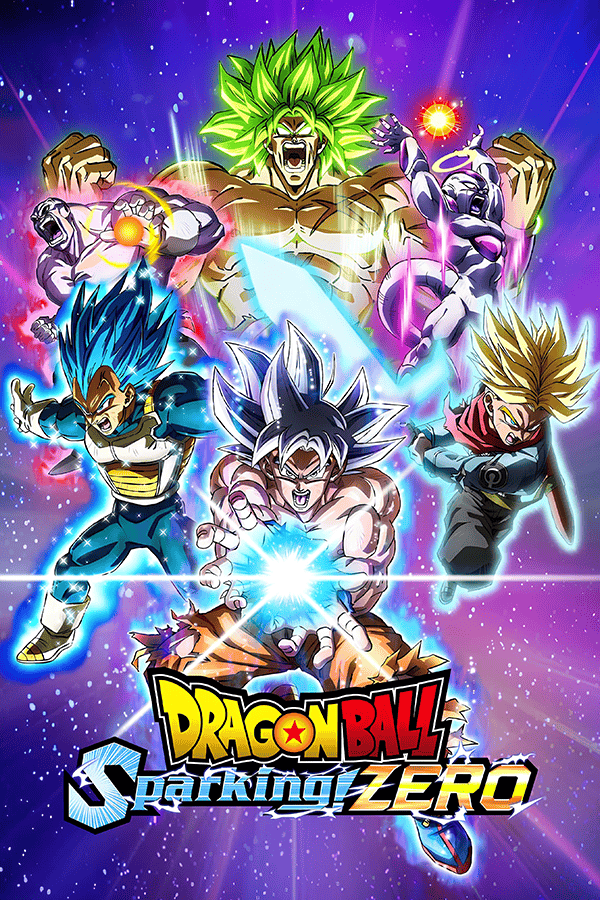
Most popular games on cloud

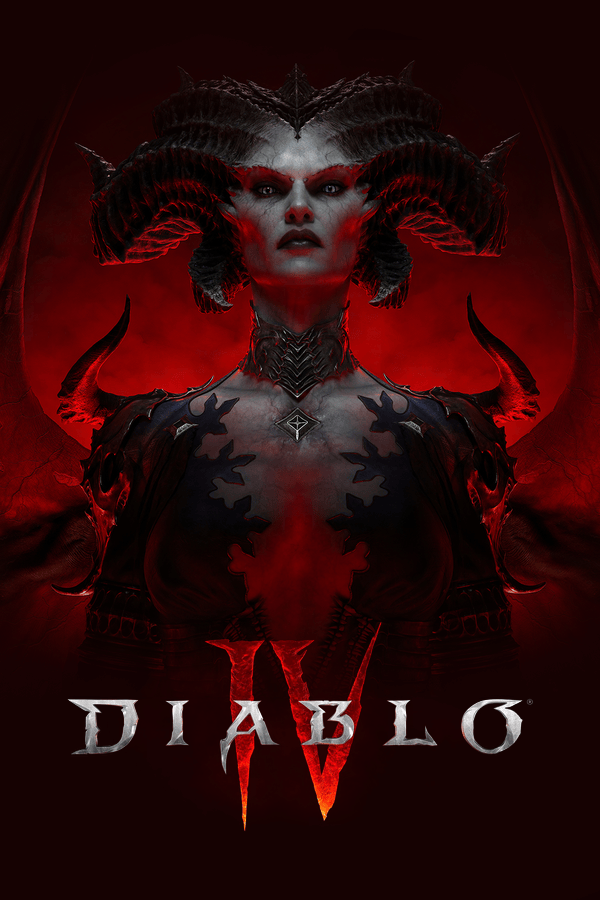


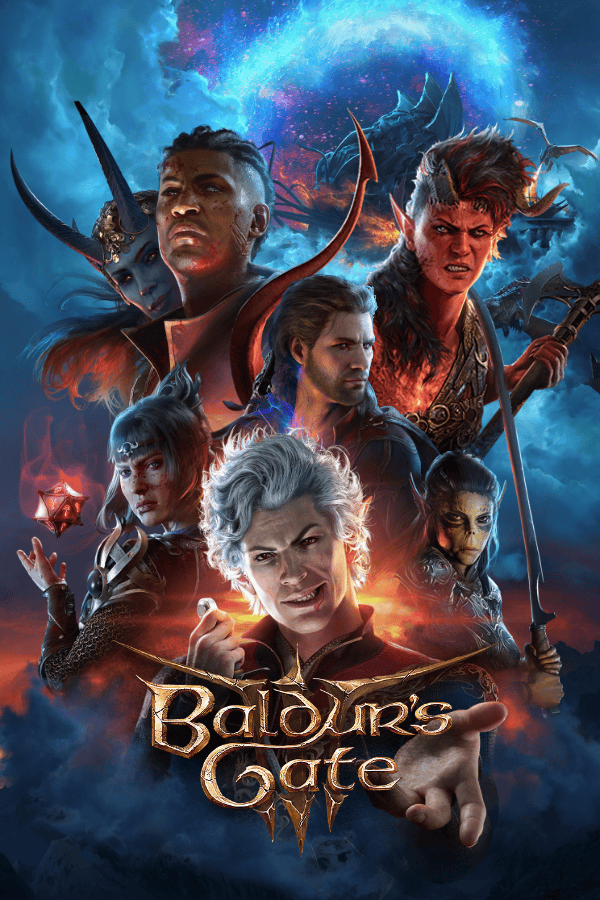

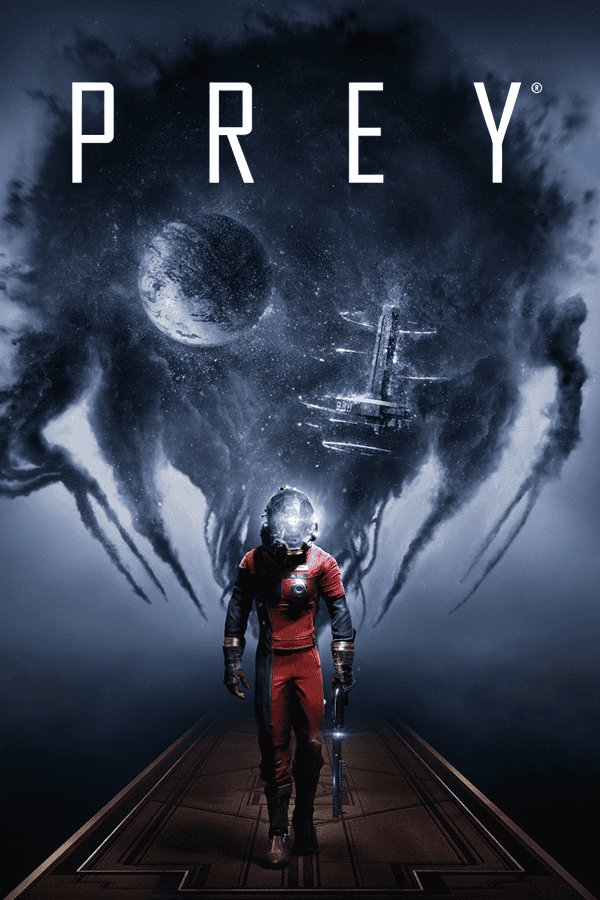
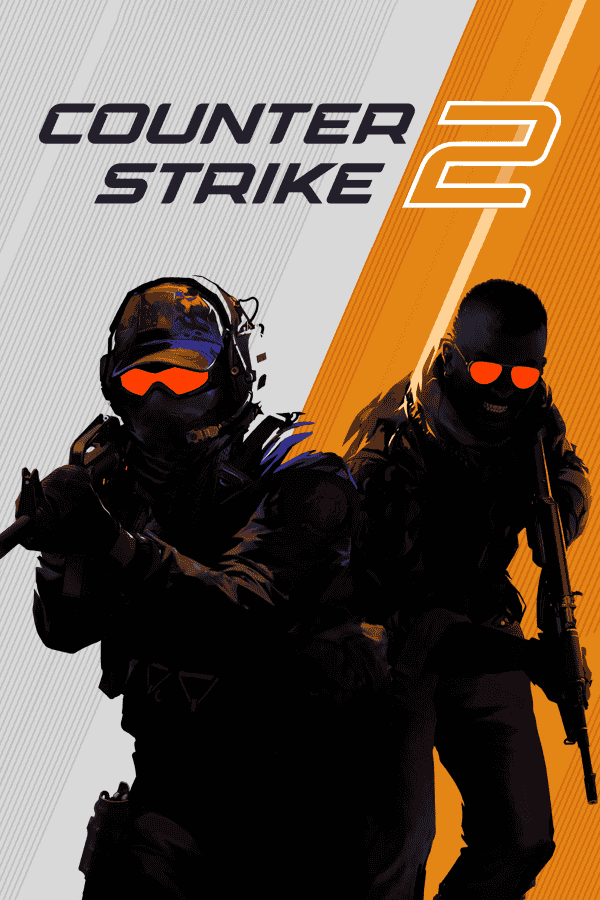
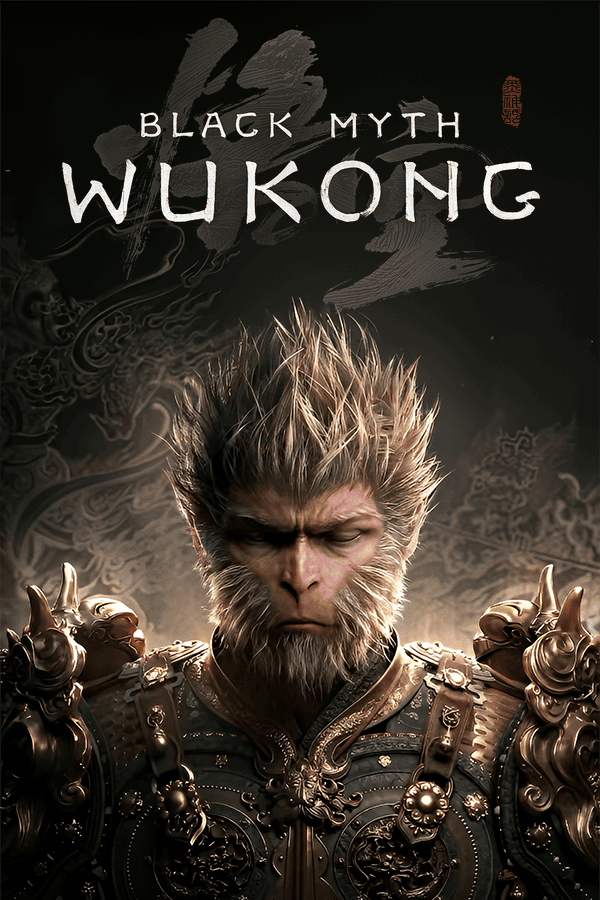
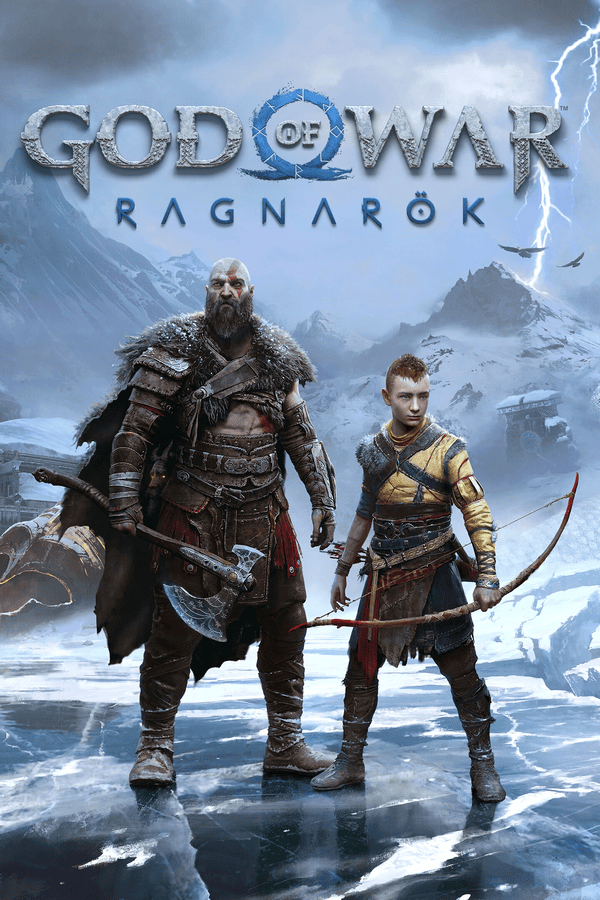
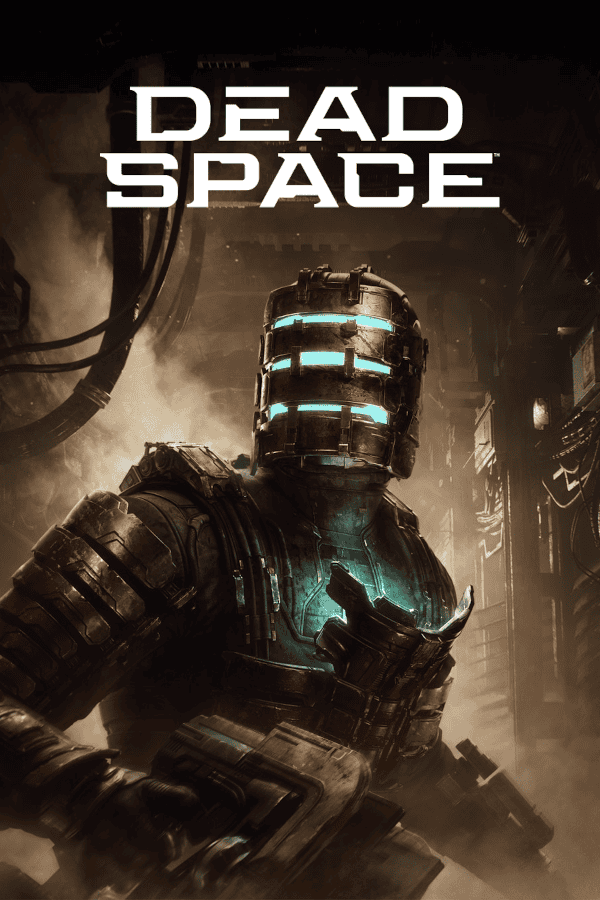
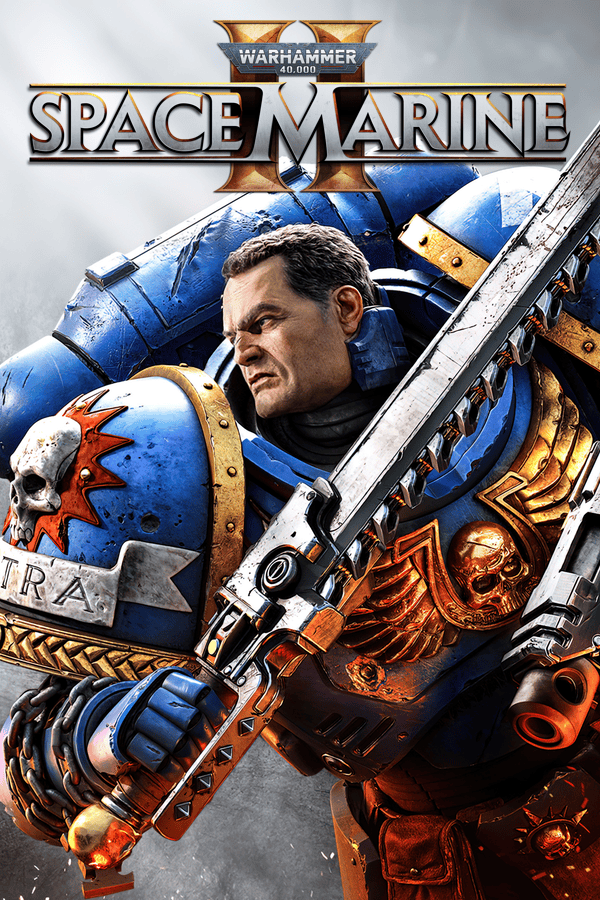
Up and running in three steps
Built for the Future
Next-Gen Infrastructure
Your guarantee for continuous modern hardware upgrades, reliability and fast network.
Customizable Open Source
Utilizing Sunshine and Moonlight, tailor your experience like you want it.
No queues or session limits
Instant access - Play as long as you like, no upper playtime cap
Play demanding games on any device
Play on your phone, tablet, or laptop with full controller support — Your cloud gaming PC is ready-to-use with preconfigured game launchers and drivers.
Simple Web Dashboard
Self sign-up to our custom web dashboard - No hard terminal CLI commands needed! Control your cloud gaming pc, start, stop, restart and switch between regular and Dynamic Pricing™ mode.
Smart Cost Management
Playing the long game? Never worry about runaway cloud costs again. Our dashboard gives you real-time cost visibility so you stay in control of your gaming budget—no surprises, no stress.
Get proactive alerts when your usage exceeds your subscription limit. Our Dynamic Pricing™ technology automatically optimizes your session: auto-adjusts hardware when idle to save costs, optimizes network efficiency, and stops your cloud gaming machine if idle or if your budget is reached.
How we compare
| Feature |  Hostmatic Now |
Other competitors | Gaming PC |
|---|---|---|---|
| No queues or session limit | |||
| No game library restrictions | |||
| Auto cost savings | |||
| Azure-Powered Hardware Refresh | |||
| Full Windows PC, admin access | |||
| No upfront cost | |||
| Modding allowed | |||
| No maintenance | |||
| Game console Emulation | |||
| Play anywhere, any device | |||
| Gaming optimized GPU | |||
| Open Source streaming protocol | |||
| Preconfigured gaming environment | |||
| Fast download speeds |
START PLAYING NOW
- Fast setup
- High-performance hardware
- Low latency gaming
- Play on almost any device
Frequently asked questions
How does it work?
Hostmatic Now works by streaming the video feed from our powerful servers to your client. Think of it like Netflix but for games!
What connection do I need to stream games?
A cabled 10 mbps connection is recommended for the best experience. On wireless devices, users can lower the resolution and bandwidth according to their network and desired performance.
Can I install my own games?
Yes, you have full control over the PC and can install any games you own. Be it from Steam, GOG, Epic, Rockstar or Battle.net.
Are all games compatible?
Our Cloud Gaming PCs support the latest DirectX 12, Vulkan and OpenGL graphics libraries, allowing for playback of almost all games, with the exception of titles where DRM kernel level protection prevents execution on virtual machines, such as League of Legends and Battlefield 6.
Are my save games and game files saved?
Games handled by Steam Cloud Save etc. are.
DayPass machines are only available for a limited time, after that, your data is deleted. For games that do not support a cloud save game feature, you must manually back up savegame data prior to playtime expiration.
For Subscription users your data is saved.
Who can use the service?
Hostmatic Now is currently available by private access only.
Where are the servers located?
We use servers located in Sweden and USA. Pick the location closest to you for the best experience. For a custom location, please open a ticket.
When is my Cloud Gaming PC ready?
Usually about 5-10 minutes after payment has completed.
For full FAQ, please visit our Help Center